Blog
How to Register and Use the Darb App Abu Dhabi (2026 Full Guide)
May 4, 2026
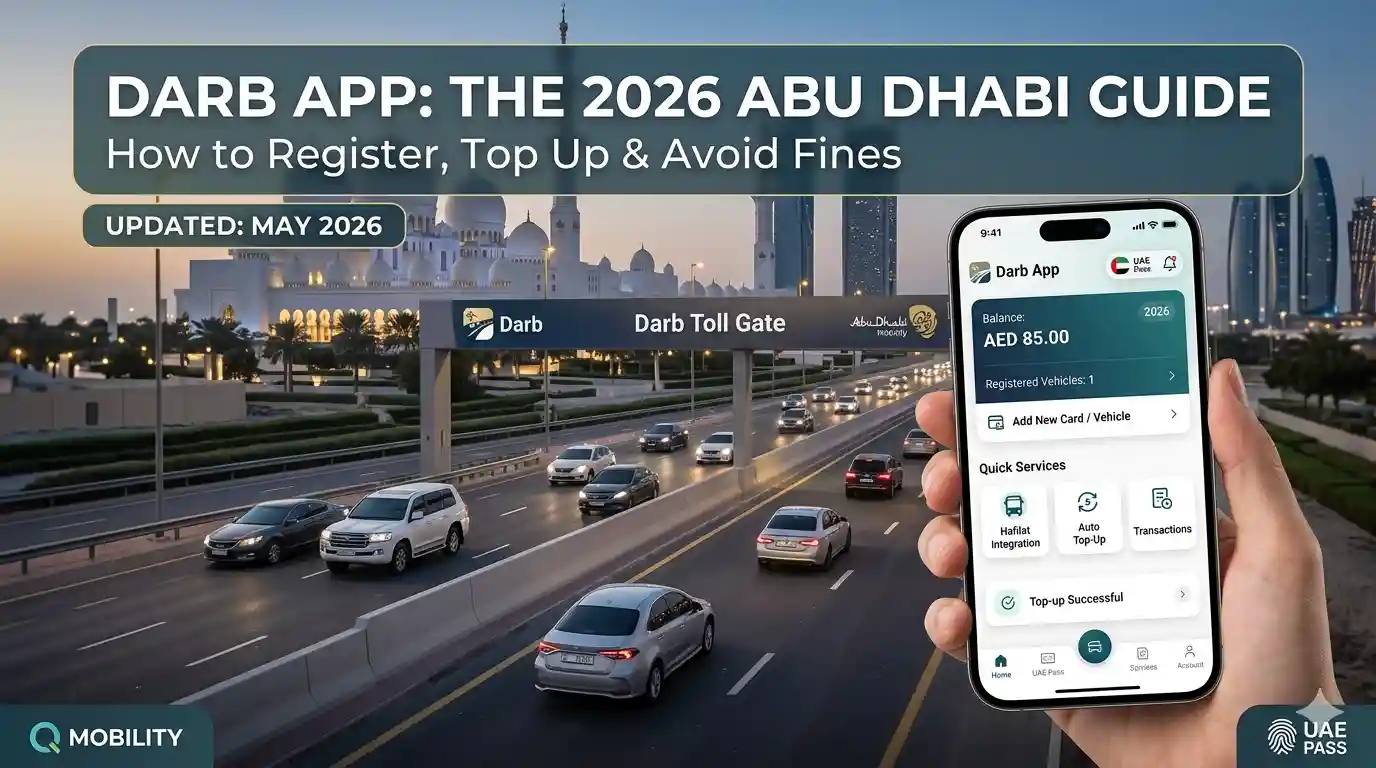
Navigating Abu Dhabi’s roads in 2026 requires more than just a GPS — it requires an active Darb account. With the recent activation of the Ghantoot and Al Qurm toll gates, the system has expanded its reach, now operating 24/7 at these new locations.
Whether you are a resident or a visitor, the clock starts ticking the moment you pass a gate. You have exactly 10 working days to register your vehicle before a graduated fine system kicks in, starting at AED 100.
Managed by Q Mobility, the process is streamlined via the Darb app and website at darb.qmobility.ae. In this guide, I will walk you through the exact registration steps, how to link your Hafilat card, the latest 2026 toll timings, and how to avoid every common fine.
Table of Contents
Requirements for Registration
Before you begin the registration process on the Darb App or the Q Mobility portal, have these four things ready:
1. Traffic File Number (TC No.)
This is the most critical requirement and the number one reason registrations fail.
- What it is: A unique number assigned to you by the traffic department.
- Where to find it: Printed on the back of your vehicle registration card (Mulkiya) under the “TC No” label.
- Abu Dhabi plates: Your TC No. is 10 digits.
- Dubai plates: Your TC No. is 8 digits.
- Pro Tip: If you don’t have your Mulkiya handy, log into the Abu Dhabi Police App or the TAMM portal using your Emirates ID to find your TC number.
2. Valid Emirates ID
As of 2026, you cannot register for Darb without a valid Emirates ID. The system uses UAE Pass for identity verification — make sure your mobile number is updated in the ICP database. If your UAE Pass is not working, your Darb registration will be blocked.
3. Active Personal Email Address
This is where you will receive your monthly statement, low-balance alerts, and fine notifications. Avoid using a work email. Use a personal Gmail or iCloud account so you never miss a 5-day top-up warning.
4. Payment Method (AED 100 Registration Fee)
You cannot complete registration without a digital payment method. The AED 100 breaks down as follows:
- AED 50 — one-time registration fee
- AED 50 — immediately credited to your toll wallet balance
Step-by-Step: How to Register via the Darb App
Step 1: Download the Darb App
Download the official Darb App from the Apple App Store, Google Play, or AppGallery. You can also register via the website at darb.qmobility.ae. The app provides the best real-time alerts for toll crossings.
Step 2: Log In via UAE Pass
Open the app and tap “Login with UAE Pass.” The system will redirect you to UAE Pass to confirm your identity. Once you authenticate via PIN or Face ID, Darb will automatically pull your full name, Emirates ID, verified mobile number, and linked traffic file.
Step 3: Register Your Vehicle
Navigate to the “Vehicles” tab.
- Abu Dhabi plates: Your vehicles will likely appear automatically. Tap “Register” next to the vehicle you want to add.
- Other emirates (Dubai, Sharjah, etc.): Enter your Plate Category, Plate Code, and Plate Number manually. The system verifies against the federal traffic database within seconds.
Step 4: Pay the AED 100 Fee
Select your preferred payment method — Apple Pay, Samsung Pay, and credit/debit cards are all supported. After payment, AED 50 is deducted as a registration fee and AED 50 is added to your wallet.
Step 5: Enable Auto-Top Up
Go to Settings → Wallet Settings and enable Auto-Top Up. Set a minimum threshold (e.g., AED 20) so the system automatically recharges from your saved card. This is the single best way to avoid the AED 50 insufficient balance fine.
How to Add Your Hafilat Card to the Darb App
One of the most useful features in 2026 is the ability to manage both your bus card and toll payments from a single app. The Darb app includes a “Darbi” section specifically for Hafilat public bus card management.
Step 1: Find Your Hafilat Serial Number
Turn your Hafilat card over and find the 16-digit serial number printed at the bottom. You will need the full number — no spaces.
Step 2: Open the Darbi Section
Inside the Darb App, navigate to “Public Transport” or “Darbi” from the Quick Services menu on the home dashboard.
Step 3: Add Your Card
Tap “Add New Card” or “Hafilat Services.” Enter your 16-digit Hafilat serial number and assign a nickname (e.g., “Daily Commute”). If you have a Personalized Hafilat Card, tap “Verify via Emirates ID” to sync automatically via UAE Pass.
Step 4: Check Balance and Top Up
Once added, your Hafilat card appears as a digital card in your wallet. You can now:
- View your real-time balance without tapping at a machine
- Top up instantly using a saved card or Apple/Samsung Pay
- Set low balance alerts for when your card drops below AED 5
Important — Hafilat Balance Reflect Times (2026):
| Recharge Method | Time to Reflect on Card Reader |
|---|---|
| Online portal (darb.ae / hafilat.darb.ae) | 24–48 hours |
| Payit app | ~2 hours |
| TVM (Ticket Vending Machine) | Instant |
| BR Kiosk | Instant |
| Customer Happiness Center | Instant |
Always plan ahead for online recharges. If your journey is within 2 hours, use a TVM or BR Kiosk for instant top-up.
Toll Gate Locations in Abu Dhabi (2026)
As of May 2026, there are six active toll gates operated by Q Mobility:
| # | Gate Name | Location |
|---|---|---|
| 1 | Sas Al Nakhl | Sheikh Zayed Bridge |
| 2 | Al Maqta’ | Al Maqta’ Bridge |
| 3 | Rabdan | Mussafah Bridge |
| 4 | Al Saadiyat | Sheikh Khalifa Bridge |
| 5 | Al Qurm (New) | Wahat Al Karama Street, Sheikh Zayed Road entrance/exit |
| 6 | Ghantoot (New) | Sheikh Maktoum bin Rashid Road, Ghantoot area |
Alternative Routes to Avoid New Gates:
- Al Qurm: Use Sheikh Rashid bin Saeed Street or Al Khaleej Al Arabi Street
- Ghantoot: Use Sheikh Mohammed bin Rashid Al Maktoum Road
2026 Peak Hour Timings & Charges
Standard Four Gates (Sas Al Nakhl, Al Maqta’, Rabdan, Al Saadiyat):
| Period | Days | Charge |
|---|---|---|
| Morning peak: 7:00 AM – 9:00 AM | Monday – Saturday | AED 4 per crossing |
| Afternoon peak: 3:00 PM – 7:00 PM | Monday – Saturday | AED 4 per crossing |
| Off-peak hours | Daily | Free |
| Sundays | All day | Free |
| Public holidays | All day | Free |
Important 2026 update: Many older guides list the afternoon peak as 5 PM – 7 PM. The current 2026 schedule starts earlier at 3:00 PM.
Al Qurm and Ghantoot Gates:
These two new gates operate 24 hours a day, 7 days a week — including Sundays and public holidays. The AED 4 charge applies every time you pass, regardless of time or day.
Daily Cap — Removed in 2026:
The previous AED 16 daily cap for private vehicles has been removed as of 2026. Each crossing during peak hours costs AED 4 with no upper limit. If you cross four peak-hour gates in one day, that is AED 16. If you cross six, that is AED 24. Plan your routes accordingly.
Who is Exempt from Darb Toll Fees?
Certain vehicles are automatically exempt — no application needed:
- Ambulances, Armed Forces, and Civil Defence vehicles
- Abu Dhabi Police, Ministry of Interior, and local police vehicles
- Public transport buses licensed in Abu Dhabi
- Authorized public taxis in Abu Dhabi
- Authorized school buses
- Passenger buses with 26+ seats
- Motorcycles
- Trailer vehicles
The following categories must apply for exemption through darb.qmobility.ae or the Darb app:
| Category | Requirement | Limit |
|---|---|---|
| People of Determination | POD card from Ministry of Community Development | 1 vehicle |
| Senior Citizens (UAE nationals 60+) | No documents required | 1 vehicle |
| Retired Citizens | Letter from Pension and Retirement Fund | 1 vehicle |
| Low-Income Emirati Families | Proof from Ministry of Community Development | 1 vehicle |
Note: People of Determination may qualify for more than one exemption if they meet additional criteria.
Fines & Violations — Complete List
Unregistered vehicle fines:
| Violation | Fine |
|---|---|
| 1st day crossing without registration (after 10-day grace) | AED 100 |
| 2nd day crossing unregistered | AED 200 |
| 3rd day onwards, per day | AED 400 |
Other violations:
| Violation | Fine |
|---|---|
| Insufficient balance (non-Abu Dhabi plates, after 5 working days) | AED 50 per transaction |
| Tampering with license plate to avoid toll | AED 10,000 |
| Damaging toll equipment or gates | AED 10,000 |
Abu Dhabi plates have the option to pay outstanding tolls at the time of vehicle renewal — they are not automatically fined for low balance. Non-Abu Dhabi plates must maintain sufficient balance at all times.
Troubleshooting: Common Darb App Errors
1. “Emirates ID Not Recognized” or Sync Error
Usually happens when Darb hasn’t refreshed its connection with the Federal Authority for Identity (ICP). Log out of the Darb app and log in specifically via UAE Pass. If it still fails, check the TAMM App to confirm your Emirates ID is active. When uploading ID photos, try converting to PDF or use the digital version from the ICP App.
2. OTP Not Received
Common for users with international numbers or those who recently switched from Etisalat to DU or vice versa. Ensure your mobile number is updated in your UAE Pass profile — Darb pulls contact info directly from there. Wait 5 minutes before tapping Resend, as multiple requests can temporarily block your number for security.
3. Vehicle “Not Found” After Registration
Often a cache delay. Force-close the app and restart. If you have a Dubai or Sharjah plate, double-check the Plate Code you entered — the system requires an exact match with the RTA/MoI database.
4. Payment Screen Blank or Stuck
If the in-app payment gateway fails to load, use the official website at darb.qmobility.ae on a desktop or Chrome mobile browser instead. Web-based payments are currently more stable for Apple Pay and Samsung Pay transactions.
5. Fine Received Despite Topping Up
This happens when you topped up after the 5-day grace period had already expired. Check your Transaction History in the app to compare the exact timestamp of your recharge versus the crossing time. For non-Abu Dhabi plates, you must top up within 5 working days of any crossing where the balance is insufficient — not after the fine is issued.
Frequently Asked Questions
Do I need to register even if I only drive through Abu Dhabi occasionally?
Yes. Registration in the Darb toll system is required for all vehicles that pass through any Darb gate — regardless of frequency.
What happens if I sell my car?
Nothing is needed from your side. The system automatically removes the vehicle from your account and links it to the new owner within a few hours after ownership is transferred through the Unified Traffic System.
Can I transfer my Darb balance to another person?
You can top up another person’s wallet by using the “Public Services” option on darb.qmobility.ae. However, your own balance can only be refunded if you close your account entirely, and that process takes up to 45 working days.
Is Darb the same as Salik?
No. Salik is Dubai’s toll system and uses a physical sticker on your windshield. Darb is Abu Dhabi’s toll system and uses automatic number plate recognition — no tag or sticker needed.
What is the Darb customer service number?
Call 8003009 for all Darb and Q Mobility enquiries.

Hi! We’re the Travel Blog Dubai Team — passionate travelers who explore Dubai every day to bring you honest tips, best places to visit, budget ideas, and real experiences.Whether you’re planning your first trip or you live in the UAE, our guides help you discover the best of Dubai, hassle-free.